 Delete a Point
These options are for modifying the vertical alignment of a road centreline, by deleting one or more vertical IPs (Intersection Points).
Delete a Point
On the  centreline tools toolbar in a longsection window, click the delete point button.
Select a vertical IP (they highlight as you move the mouse cursor around the longsection view). Then click the mouse to delete the selected IP from the road vertical alignment.

If the selected IP was filleted with a vertical curve, then that will also be removed.
The road alignment will be recalculated with the remaining vertical IPs (and the whole design will be updated with any knock-on effects of the change).
 Delete Multiple Points
On the centreline tools toolbar in a longsection window, click the delete multiple points button.
Click two IPs, the selected points and all IPs between them will be deleted from the road vertical alignment.
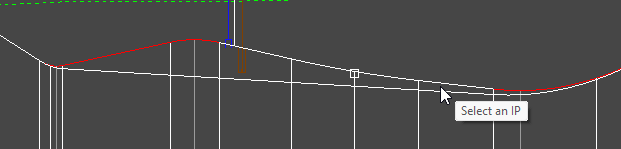
Similar to the single point delete tool, filleted IPs will be removed, and the road alignment and design will automatically update to reflect the change.